How to Track Calories with AI: The Complete 2026 Guide
Tracking what you eat has traditionally been one of the most tedious parts of any fitness journey. From searching through endless databases to weighing every single grape, the friction is real. But in 2026, Artificial Intelligence has finally solved the calorie tracking problem.
What is AI Tracking?
Unlike traditional apps that require you to "build" a meal ingredient by ingredient, AI calorie tracking uses Large Language Models (LLMs) to understand natural language. When you type "A bowl of pasta with pesto and some parmesan," the AI isn't just looking for a keyword; it's understanding the typical volume of a "bowl," the caloric density of "pesto," and the common serving size of "parmesan."
The Step-by-Step Method
The beauty of AI tracking is its simplicity. Here is how you can start logging your meals in seconds using Zavia's method:
The Zavia Method
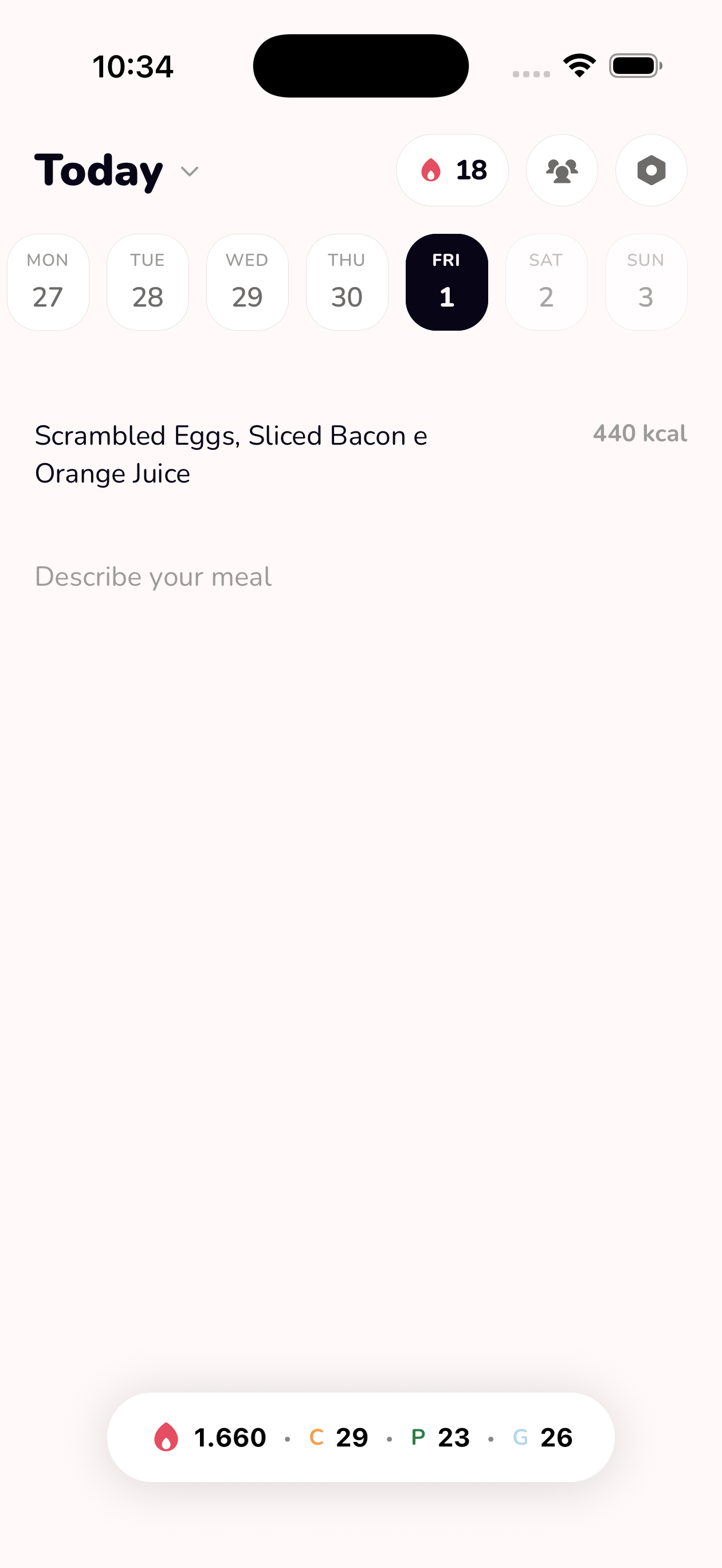
Instead of searching, just type. Example: "Two eggs, one slice of sourdough toast, and half an avocado."
Zavia will break down the ingredients, estimate the portions, and calculate the macros instantly.
If you forgot the butter on the toast, just add a follow-up text: "Oh, and a teaspoon of butter." The AI updates your total automatically.
Why Text is Better than Photos
Many apps have tried photo-based tracking, but it often fails. Why? Because a photo can't see the oil used to cook the chicken or the hidden sugar in a sauce. Text-based logging allows you to provide context that a camera simply can't capture, making your tracking significantly more accurate while remaining faster than traditional methods.
Getting Started with Zavia
Zavia is designed to be the food diary that feels like Apple Notes. It’s fast, premium, and powered by the latest AI to make your nutrition journey effortless.